
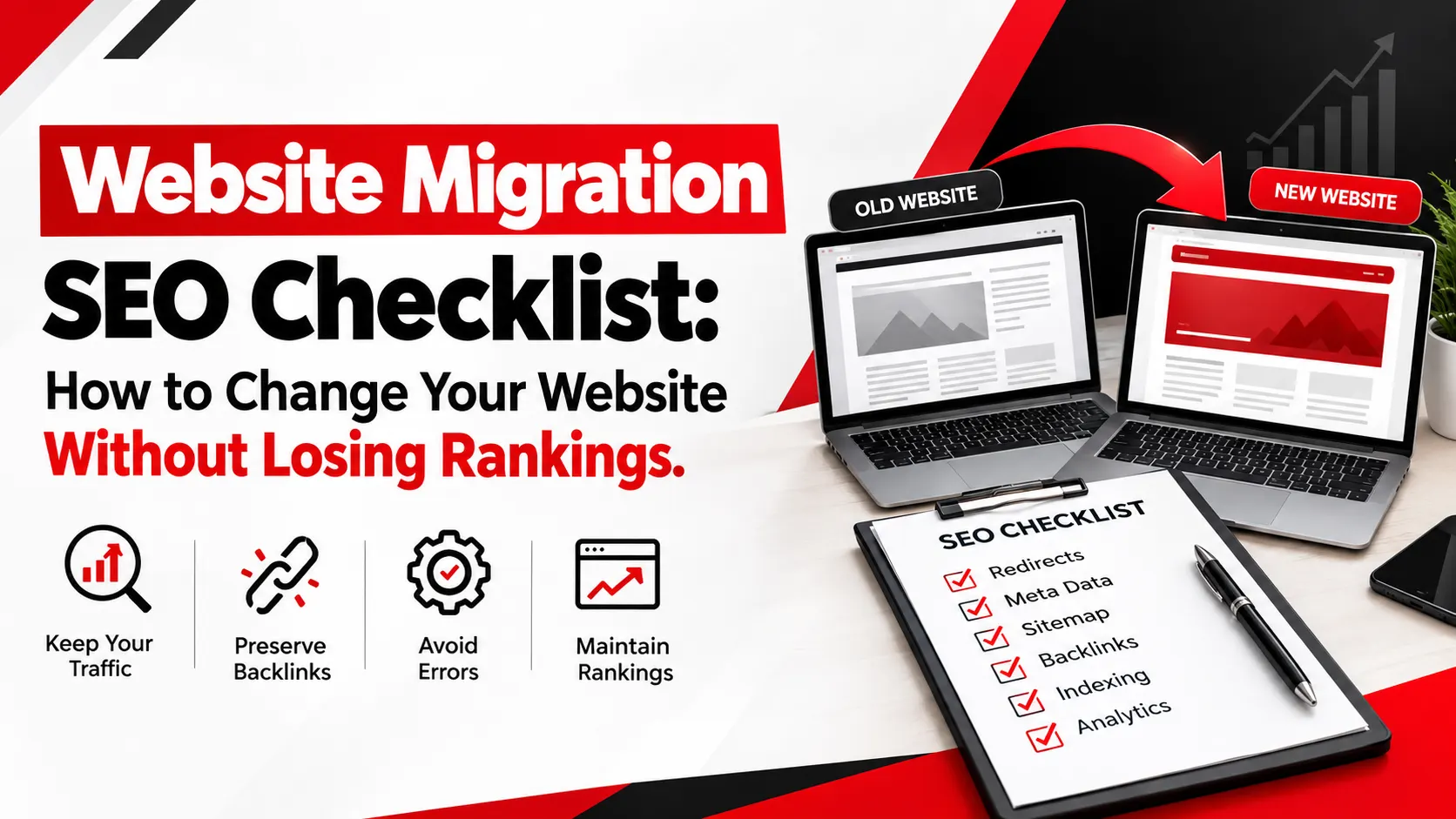
A new website should bring in more enquiries. Too often, it does the opposite. A redesign, domain change, or platform switch can alter URLs, remove pages, and break the signals that search engines spent years learning. The result can be lost organic traffic, fewer leads, and months of cleanup.
Most avoidable damage comes from a short list of mistakes, and each one can be prevented with planning. This website migration SEO checklist covers what to do before launch, on launch day, and after launch, in the order you should do it. It follows Google's official guidance on site moves and adds practical examples so each step is easy to apply.
No checklist can guarantee zero ranking changes, but a careful migration reduces avoidable risk.
What Is Website Migration SEO and Why Does It Matter?
Website migration SEO is the process of changing part or all of a website while protecting its visibility in search results. It covers the technical, content, and tracking tasks that keep search engines and visitors connected to your pages after something changes.
Common migration types include:
- Domain changes: such as moving from one domain name to another.
- CMS migrations: such as moving from one content management system to another.
- Website redesigns: where layout, navigation, and content structure change.
- HTTPS changes: moving from HTTP to HTTPS.
- URL restructuring: such as changing /page.php?id=1 to /widget/.
- Hosting changes: which may not alter URLs but still need testing.
The risks are real. Broken redirects send visitors and crawlers to error pages. Deleted content removes pages that ranked or attracted links. Leftover blocking rules keep new pages out of the index. Even a clean migration can cause temporary traffic fluctuations while Google recrawls your pages.
Website Migration SEO Checklist Before Launch
1. Audit Your Existing Website
You cannot protect what you have not measured. Before anything changes, record a baseline:
- A full crawl of the current site, including every indexable URL, status code, title, meta description, and heading.
- Organic traffic, top landing pages, and conversions from your analytics platform.
- Rankings for your most valuable keywords.
- Indexed pages and performance data from Google Search Console.
- Backlinks, so you know which pages attract external links.
Crawlers such as Screaming Frog, plus Semrush, Ahrefs, and Search Console, are useful here. This is the core of a technical SEO audit, and it becomes your reference point after launch.
Include images, videos, and PDFs too. They can also earn traffic and links.
2. Create a Complete URL Mapping Document
A URL map pairs every old URL with its most relevant new URL. Start with your most important pages: those in your sitemap, those with the most traffic, and those with internal or external links. Then work through the rest.
Here is a simplified example:
|
Old URL |
New URL |
Action |
|
/services.html |
/services/ |
301 redirect, direct match |
|
/seo-packages |
/services/seo/ |
301 redirect, closest equivalent |
|
/blog/2021/migration-tips |
/blog/migration-tips/ |
301 redirect, new URL structure |
|
/winter-offer-2020 |
None |
Return 410 or 404, no relevant replacement |
Flag pages with no suitable replacement. Not every old page needs a destination. If a page has no relevant equivalent, it is better to let it return a proper 404 or 410 than to force an irrelevant redirect.
3. Prepare a 301 Redirect Strategy
Google recommends server-side permanent redirects, such as 301 or 308, from old URLs to new ones. Check what your server or CMS supports, because the method differs between platforms.
Plan around these common problems:
- Redirect chains: Page A redirects to B, which redirects to C. Send each old URL straight to its final destination. Googlebot can follow up to 10 hops, but Google advises keeping chains short.
- Redirect loops: Two rules point at each other, and the page never loads.
- Irrelevant homepage redirects: Sending hundreds of old URLs to the homepage confuses users and may be treated as a soft 404.
- Untested rules: Test a sample of redirects on staging before launch, then test all of them after launch.
4. Preserve SEO Content and Metadata
Redesigns often strip out elements that made pages perform.
Compare old and new versions of key pages and confirm these carry over:
- Page titles and meta descriptions.
- Headings (H1 to H3) and body content.
- Image alt text.
- Internal links and anchor text.
- Structured data, such as Organisation, Article, or Product markup.
Improving content is fine. Deleting content that ranks well is not.
5. Test the Staging Website
Before going live, check that:
- Crawling and rendering work, and key content is visible without errors.
- The staging robots.txt and noindex rules are documented, with a plan to remove them at launch. Google specifically advises preparing the production robots.txt in advance.
- Every page has a self-referencing canonical tag.
- The new XML sitemap lists only the final URLs you want indexed.
- Pages are mobile-friendly and load quickly.
- Forms, phone links, and conversion tracking all work.
Website Migration SEO Checklist for Launch Day
6. Verify Redirects and Important URLs
Once redirects are live, test your highest-value pages first, then run a bulk test across the full URL map using a crawler or script.
For each URL, confirm:
- The old URL returns a 301 or 308 status.
- It lands on the intended page in a single hop.
- The final page returns a 200 status.
Google's URL Inspection tool is useful for individual URLs. Watch for redirects that point to non-existent pages, which Google notes is a common mistake.
7. Check Canonical Tags and Indexability
Confirm that production pages can be crawled and indexed. Remove any noindex tags and robots.txt blocks that were only needed during development. Then check that canonical tags use the new URLs and that each page points to itself.
A single forgotten disallow rule can keep an entire new site out of search results.
8. Update the XML Sitemap and Internal Links
Publish the new XML sitemap containing the final URLs. Then update every internal link to point directly to the new URLs instead of relying on redirects. That includes navigation, footer links, breadcrumbs, and links within content.
If your site uses hreflang for multiple languages or regions, update those annotations to the new URLs. Do the same for any structured data that references URLs.
9. Verify Analytics and Lead Tracking
A migration can break tracking without anyone noticing. Test your analytics tags, contact forms, phone-click events, and conversion goals. For ecommerce sites, run a test transaction to confirm purchase tracking works. Submit a test enquiry and confirm it reaches your inbox and your reports.
10. Verify Google Search Console
Verify both the old and new properties, including every variant such as www, non-www, HTTP, and HTTPS. Confirm your verification method still works on the new site, since verification files and tags can be lost during a rebuild.
Then:
- Use URL Inspection on key pages.
- Submit the new sitemap.
- Watch the page indexing report for errors.
- If you are changing domains or subdomains, submit a Change of Address request for the old property.
The Change of Address tool is only for moves between domains or subdomains. Google says you do not need it for HTTP to HTTPS moves, www to non-www changes, or path changes within the same domain.
Post-Migration SEO Checklist: What to Monitor After Launch
11. Monitor Organic Traffic and Rankings
Compare post-launch performance against your baseline, but do it carefully. Account for seasonality, changes in search demand, and landing-page differences before blaming the migration.
Expect some fluctuation. Google notes that visibility can shift temporarily while it recrawls and reindexes, and that medium-sized sites can take a few weeks or more for new URLs to replace old ones. A short dip is normal. A steady decline, or a sharp drop on specific pages, usually points to a technical error worth investigating.
A sensible monitoring schedule:
- Launch day: check redirects, indexability, tracking, and server errors.
- Days 2 to 7: review Search Console and analytics daily.
- Weeks 2 to 4: review weekly, comparing against the baseline.
- Months 2 to 3: review every two weeks, then monthly.
12. Find and Fix Technical SEO Errors
Look for the problems that cause real damage:
- 404 errors on URLs that should redirect.
- Redirect failures, chains, and loops.
- Pages excluded from the index unexpectedly.
- Canonical tags pointing to the wrong URL.
- Server errors (5xx) caused by heavy crawling.
- Slow pages or weak Core Web Vitals.
- Drops in form submissions, calls, or sales.
Google crawls more heavily after a migration, so make sure your hosting can cope. Fix the highest-traffic and highest-revenue pages first.
13. Keep Redirects Active and Update Backlinks
Keep redirects in place for at least one year, as Google recommends. That gives Google time to recrawl and transfer signals, including links from other websites. For users, consider keeping them longer where practical.
Redirects are slower than direct links, so update the links you control, including internal links, social profiles, and ad destinations. Then ask the sites that link to you most to update to the new URLs.
Common Website Migration SEO Mistakes to Avoid
- Launching without a URL mapping document: Pages get the wrong destination or none. Build and test the map first.
- Redirecting every removed page to the homepage: This confuses users and may be treated as a soft 404. Redirect to relevant pages, or return 404 or 410 when no replacement exists.
- Deleting valuable content unnecessarily: Ranking pages and linked pages vanish. Review performance data first.
- Leaving staging restrictions on the live site: Noindex tags or robots.txt blocks keep the new site out of search. Use a launch-day checklist to remove them.
- Forgetting canonical tags or sitemap updates: Search engines get mixed signals about which URL to index.
- Ignoring analytics and lead tracking: You cannot fix what you cannot measure.
- Changing too many major elements at once: When everything changes together, finding the cause of a drop is much harder. Google advises changing one thing at a time.
- Removing old redirects or hosting too early: Old links break, and signals may not transfer. Keep redirects for at least a year.
When Should You Hire a Website Migration SEO Expert?
A small site with a clean structure can often be migrated in-house with this checklist. Professional support becomes worthwhile when stakes or complexity rise:
- Large websites with thousands of URLs.
- Ecommerce stores with product, category, and filter pages.
- Domain changes, where redirects and Search Console setup must be precise.
- Complex CMS migrations that change URL structures or templates.
- Businesses that depend heavily on organic leads.
Ingenious Hi-Tech offers SEO services that include page audits, 301 redirect setup for changed URLs, canonical tag work, structured data, and ongoing monitoring. Its web development team builds websites with attention to speed, Core Web Vitals, and CMS integration, which helps when SEO requirements need to be built into a new site from the start.
If you are planning a migration, ask what support fits your project, for example, a Technical SEO review before launch, URL mapping, redirect validation, analytics checks, or post-launch monitoring. Every migration is different, so scope depends on your site.
Frequently Asked Questions:
1. Will a website migration affect my Google rankings?
Possibly, at least temporarily. Google says visibility can fluctuate while it recrawls and reindexes a moved site. Proper redirects, URL mapping, and testing reduce the risk of lasting damage, but nobody can guarantee zero change.
2. How long does SEO recovery take after a website migration?
It varies. Google says medium-sized sites can take a few weeks or more for new URLs to replace old ones, and larger sites take longer. Site size, server speed, and migration quality all matter, so no fixed timeline is reliable.
3. Are 301 redirects necessary during website migration?
Yes, whenever URLs change. Google recommends server-side permanent redirects, such as 301 or 308, from old URLs to their new equivalents. Google also states that 301 redirects do not cause a loss in PageRank.
4. Should I change my website design and domain at the same time?
It is better not to. Google advises changing one thing at a time so you can more easily trace problems. If you must combine changes, plan extra testing and monitoring.
5. What tools are useful for a website migration SEO checklist?
Google Search Console and your analytics platform are essential. A crawler such as Screaming Frog helps with audits and redirect testing. Semrush or Ahrefs track rankings and backlinks, and PageSpeed Insights checks performance.
Protect Your Rankings with Expert Website Migration SEO Support
A successful migration rests on three habits: plan the URL map before anything changes, test everything before and on launch day, and keep monitoring for weeks afterwards. A thorough website migration SEO checklist makes those habits routine, not rushed.
If you are preparing a redesign, domain change, CMS move, or major restructure, contact Ingenious Hi-Tech to discuss your requirements or request an SEO review before launch. Combining Technical SEO planning with SEO-friendly website development helps you reduce avoidable problems and protect your search visibility.