
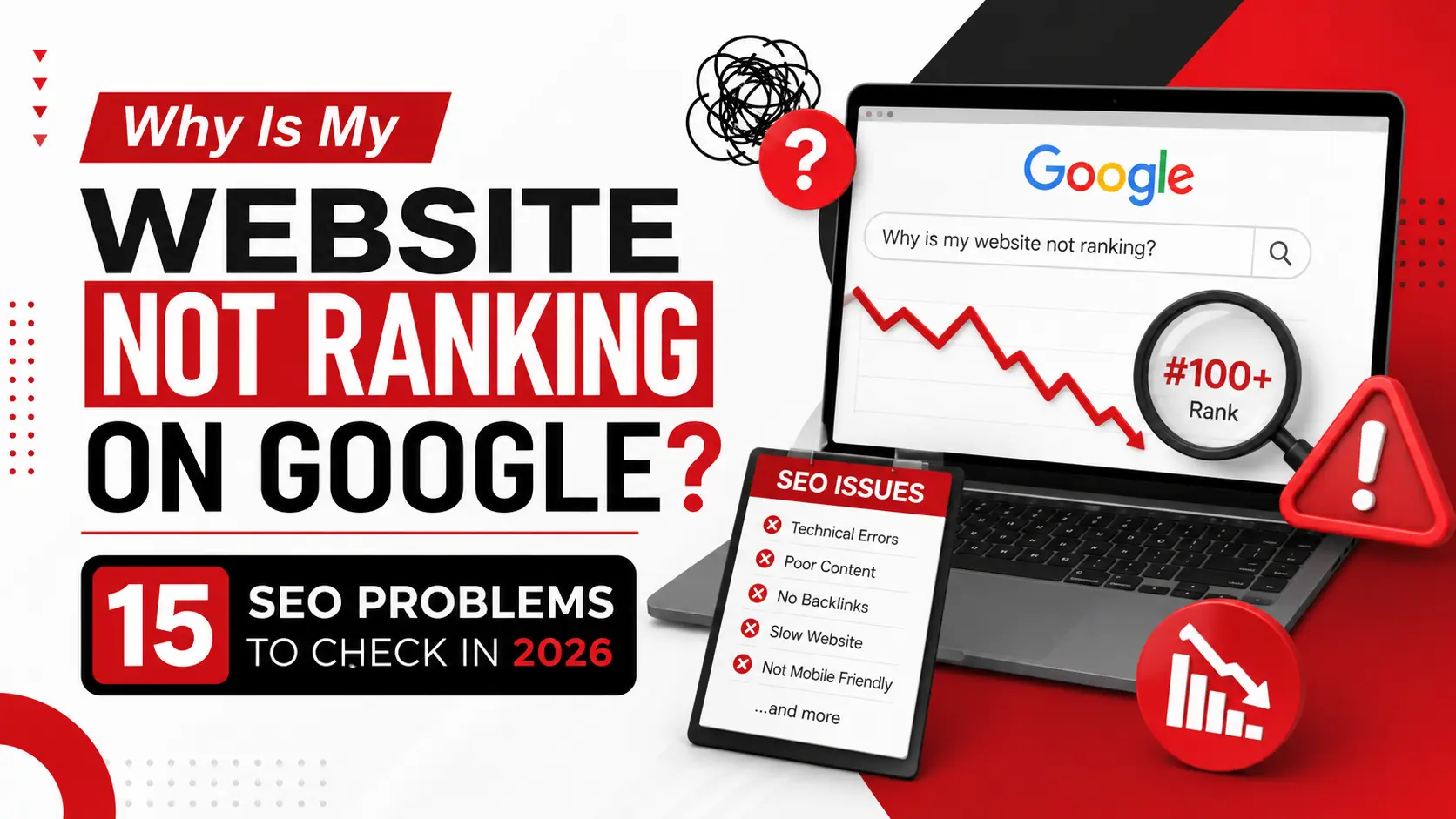
You published the page. You added keywords. You even wrote a decent amount of content. And yet, when you search for your own business, you're nowhere to be found.
This is one of the most common frustrations business owners run into. A website can be live, functional, and reasonably well-written, and still get almost no organic traffic. The instinct is usually to publish more content or stuff in a few more keywords. That rarely fixes anything.
The real fix starts with diagnosis. Your site might not be ranking because Google hasn't indexed it, because it doesn't match what searchers actually want, because of a hidden technical issue, or because competitors simply cover the topic better. This guide walks through the 15 SEO problems that most often keep websites out of Google's results, how to check for each one, and what to fix first.
SEO Problems vs. Not Being Indexed: Understand the Difference
Before troubleshooting anything, it helps to know which stage is actually failing. "Not ranking" can mean several things, and each one points to a different fix.
|
What you're seeing |
Possible problem |
|
Page isn't indexed |
Crawling/indexing issue |
|
Indexed but not ranking |
Relevance, content, competition or authority |
|
Ranking but little traffic |
Search demand, intent or CTR |
|
Rankings suddenly dropped |
Technical, content, competition or other changes |
A page that isn't indexed can't rank for anything, no matter how good the content is. One that's indexed but stuck on page 4 has a relevance or authority problem instead.
15 SEO Problems That Could Be Holding Your Website Back
1. Google Hasn't Indexed the Page
Publishing a page doesn't automatically add it to Google's index; indexing is a separate step where Google crawls the page and decides whether to store it for retrieval.
Run the URL Inspection tool in Search Console to see whether it's indexed and, if not, why, often because the page is too new or its signals are still thin. If it isn't indexed, request indexing; if that doesn't help, the content or technical setup needs work.
2. Your Page Has a Crawling or Indexing Block
Sometimes a page is technically blocked from indexing: an accidental noindex tag, a robots.txt rule blocking the folder, a canonical tag pointing elsewhere, or a redirect chain confusing crawlers.
Check the page's source for a noindex tag, review robots.txt, and confirm the canonical tag points to itself- easy things to miss after a redesign. Fix any incorrect directive right away; it's one of the few problems here with a fast, clear solution.
3. Your Content Doesn't Match Search Intent
A page can target the right keyword and still fail if it doesn't match what people expect. Intent generally falls into three types: informational, commercial, and transactional.
For example, "best CRM for small business" implies a comparison of tools, not a single product's sales page, and mismatching that format leaves Google little reason to rank you. Study the top-ranking pages for your query and rework yours to satisfy that intent, not just mention the keyword.
4. You're Targeting Keywords That Are Too Competitive
Going after broad, high-volume keywords feels ambitious, but it's often unrealistic for newer sites competing against domains with years of authority.
Instead of "digital marketing services," a specific query like "digital marketing services for local retail stores" carries far less competition and often converts better. Be honest about whether your site currently has the authority to compete, and expand as it earns more.
5. Your Content Doesn't Provide Enough Original Value
There's a real difference between content that's useful and content that just repeats what's already online. Google tends to favour pages that show genuine expertise over pages that recycle existing information.
This shows up as original examples, practical recommendations, or an angle other pages don't offer, and readers notice the difference just as Google does over time. Ask what your page adds that the top 5 results don't already say.
6. Your Content Is Too Thin for the Search Intent
Thin content doesn't just mean short content. A 400-word page can fully satisfy a simple question, while a 3,000-word page can still be thin if half of it is filler.
The real test is whether the page fully answers what the searcher needs, nothing missing, nothing padded. If a reader would need to search again, add the missing piece rather than padding for word count.
7. Your Website Has Keyword Cannibalisation
Cannibalisation happens when two or more pages target nearly the same search intent. Google has to pick a winner, often splitting authority between them instead of ranking either strongly.
A common example: a "Local SEO Services" page and a "Local SEO for Small Business" page chasing the same query, competing instead of reinforcing each other. Sometimes the fix is differentiating each page's intent; sometimes it's consolidating one into the other. Check traffic and backlinks before deleting anything.
8. Your Internal Linking Is Weak
Internal links help both users and Google see how your pages relate. Without them, even strong pages can end up isolated, with no clear path leading visitors or crawlers to them.
A logical path might look like this: an SEO Problems article links to a page on Technical SEO, which links to Google Search Console, which links to your SEO Services page. Check that key pages are linked from relevant content elsewhere on the site, with descriptive anchor text rather than "click here."
9. Your Website Lacks Topical Authority
Ranking for a topic often depends on how thoroughly your site covers the whole subject area, not just whether you have one article about it. This is topical authority, built through a connected content cluster rather than isolated posts.
For an SEO-focused site, that might mean a core hub on "SEO" supported by pages on Technical SEO, On-Page SEO, Local SEO, Search Console, Keyword Research, and Link Building, all linked together. Aim for useful coverage, not dozens of low-value posts.
10. Your Title and Meta Description Are Weak
Your title tag is one of the first signals Google and searchers use to judge relevance. A vague, generic title makes it harder for both to understand what the page covers.
Meta descriptions aren't a direct ranking factor, but a clear one can improve click-through rate, which matters for traffic even if it doesn't move rankings. A strong title is clear, specific, and matches what the searcher wants, not something vague like "SEO Tips."
11. Your Website Has Technical SEO Problems
Technical issues can quietly undermine an otherwise solid website: broken internal links, redirect chains or loops, conflicting canonical tags, duplicate URLs from tracking parameters, sitemap errors, or HTTPS misconfigurations.
Many don't cause obvious symptoms; they just make it harder for Google to crawl and understand your site. Run a basic crawl with a tool like Screaming Frog or Search Console's Pages report, and fix broken links and duplicate content first.
12. Your Website Performs Poorly on Mobile
Most search traffic comes from mobile devices, and Google primarily uses the mobile version of your site for indexing and ranking. A site that's fine on desktop but slow or cramped on a phone is a real disadvantage.
Test key pages on an actual mobile device, not a resized browser window, checking that text is readable without zooming and menus work smoothly. Don't assume your desktop site is "good enough" and judge mobile on its own terms.
13. Your Website Is Difficult for Google to Understand
Beyond individual pages, Google needs to understand how your whole site is organised. A confusing structure, vague URLs, or a lack of internal links all make that harder.
Descriptive URLs (like /blog/seo-problems/ instead of /page?id=482), clear heading hierarchies, and structured data where relevant give Google more context. Review your navigation and URLs as a new visitor would; if it's confusing to you, it's likely confusing to Google too.
14. Your Competitors Have Stronger Content and Authority
Sometimes your page is genuinely solid and still outranked because competitors do more. Check this with a basic SERP gap analysis: search your target keyword and study what the top-ranking pages actually offer.
Compare intent alignment, depth, usefulness, topical breadth, and original information they include that you don't. This isn't about copying their structure; it's about spotting the value they provide so you can make your page more complete, not just longer.
15. You're Expecting SEO Results Too Quickly
SEO works through a sequence: crawling, indexing, understanding, evaluation, then ranking. Each step takes time, and Google typically needs consistent signals before it trusts a page or site.
There's no guaranteed timeline: a specific, low-competition query might move in weeks, while a broad term in a crowded industry can take months. Give changes time to be evaluated, and track progress through Search Console rather than guessing.
How to Diagnose Your SEO Problems Using Google Search Console
Search Console is the most direct window into how Google sees your site:
- Step 1: Performance. Review clicks, impressions, average position, and top queries and pages.
- Step 2: Indexing. The Pages report shows indexed, non-indexed, and excluded pages with Google's reasons.
- Step 3: URL Inspection. Check a specific page's indexing status, last crawl date, and detected issues.
- Step 4: Sitemaps. Confirm your sitemap is submitted, error-free, and includes the URLs you want found. It aids discovery; it doesn't force ranking.
- Step 5: Historical Performance. Compare queries and pages before and after a redesign, update, or sudden drop.
Search Console won't diagnose every problem automatically. It shows data; interpreting it against the 15 problems above is where the real diagnosis happens.
How to Prioritise Your SEO Problems
Not every issue deserves the same urgency.
|
Priority |
Problem |
Recommended action |
|
Critical |
Page isn't indexable |
Fix immediately |
|
High |
Wrong search intent |
Rework content |
|
High |
Major technical issue |
Resolve technical problem |
|
High |
Weak website structure |
Improve architecture/internal links |
|
Medium |
Weak content |
Improve usefulness |
|
Medium |
Weak topical coverage |
Build supporting content |
|
Long-term |
Low authority |
Build relevant authority |
Fix foundational problems first: indexability, intent, technical health, before smaller tweaks. A perfect title tag won't help a page that isn't indexed.
SEO Problems Checklist
Save this quick self-audit:
- Important pages are indexed
- No accidental noindex directives
- Important URLs aren't blocked in robots.txt
- Search intent matches the target query
- Content provides original value
- Internal linking is useful and relevant
- Site architecture is logical
- Mobile experience works properly
- Technical errors are addressed
- Search Console is monitored regularly
- Content is improved when it underperforms
When Should You Get Professional SEO Help?
Some of these problems are easy to fix yourself. Others- technical issues, cannibalisation across dozens of pages, or a full authority-building strategy- take more time than most business owners have. That's when professional help makes sense: important pages aren't indexing, rankings dropped for no obvious reason, or your market is competitive enough to need a structured, long-term plan.
This is where a team like Ingenious Hitech can help: identifying which SEO Problems are actually affecting your site, then building a plan around technical health, content, and structure. There's no guarantee of a #1 ranking, and any agency claiming that isn't being honest, but a structured diagnosis makes a measurable difference over time.
Frequently Asked Questions
Why is my website not ranking on Google?
Usually one of a few things: the page isn't indexed, it doesn't match search intent, it lacks depth or originality, or a technical issue limits how it's understood. Diagnosing which one applies is the first step.
What are the most common SEO Problems?
Indexing issues, mismatched search intent, thin content, weak internal linking, and technical errors like broken redirects or canonical conflicts.
Why is my website indexed but not ranking?
Being indexed just means Google knows the page exists. Ranking depends on relevance, quality, and authority compared to competing pages, a separate evaluation.
How can I find SEO Problems on my website?
Start with Search Console for indexing and performance data, review your content against search intent, and run a basic crawl to catch broken links or duplicate content.
Can technical SEO Problems stop a website from ranking?
Yes. If Google can't crawl or index a page due to a blocking directive or error, it has no chance of ranking regardless of content quality.
How long does SEO take to improve rankings?
There's no fixed timeline. Specific, low-competition queries can move in weeks; competitive terms in crowded industries often take months of consistent work.
Can poor content cause SEO Problems?
Yes. Thin, unoriginal, or intent-mismatched content is one of the most common reasons pages fail to rank.
Conclusion
If your website isn't ranking, publishing more content isn't automatically the fix, and neither is adding more keywords. The real starting point is figuring out where the process is breaking down.
Work through it in order: confirm the page is indexed, rule out technical blockers, check that content matches search intent, strengthen internal linking, and build topical authority over time. Competition only becomes the deciding factor once the basics are in place.
Still not sure what's holding your site back after working through this list? Contact Ingenious Hitech for professional SEO guidance in identifying and fixing the SEO Problems affecting your website.