
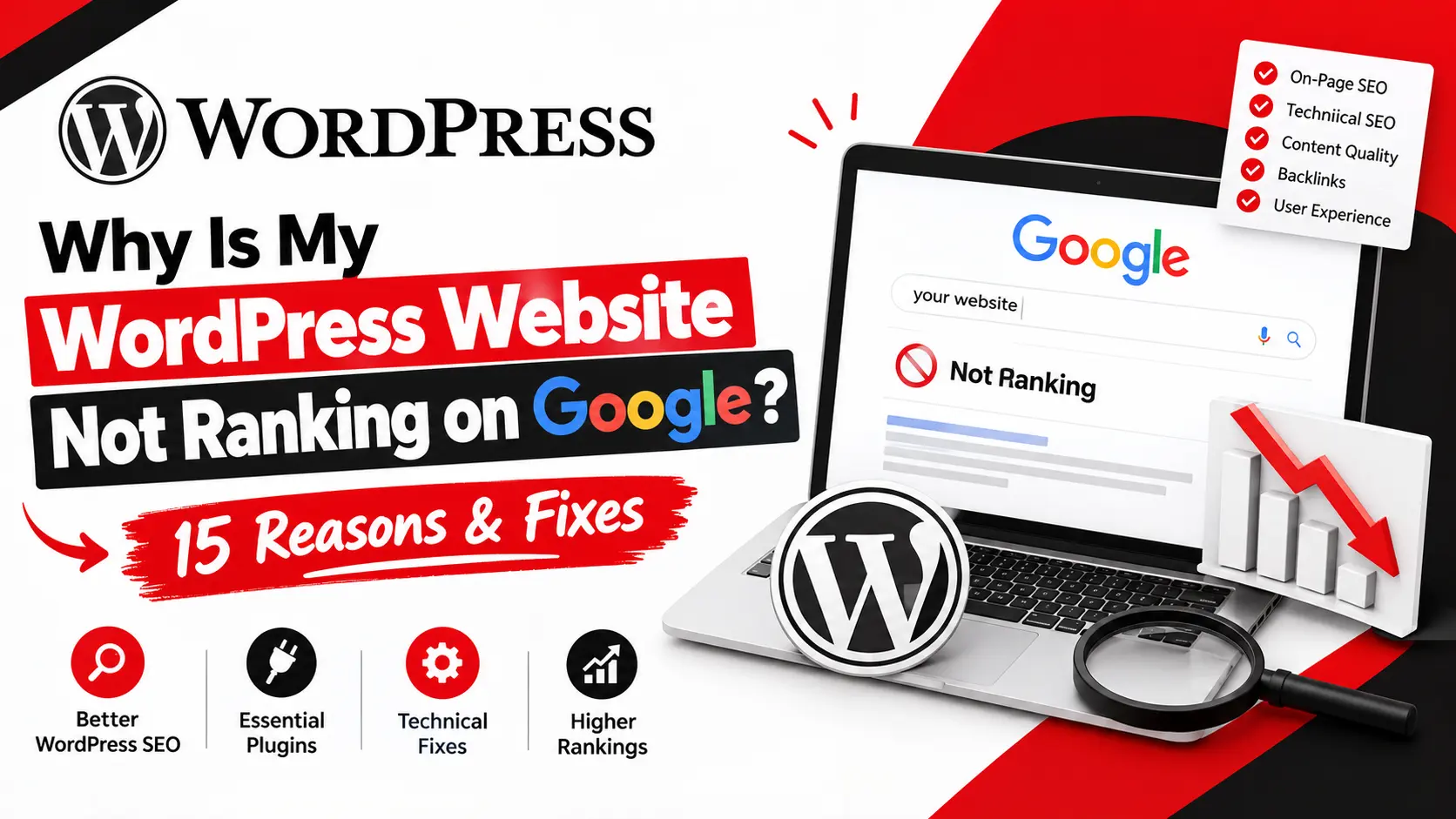
You built a WordPress site, installed an SEO plugin, published a handful of blog posts, and Google still won't show it. That's one of the most common frustrations business owners run into, and it rarely comes down to a single mistake.
A WordPress website not ranking on Google usually means something broke down along the path from crawl to index to rank. Google has to find your pages, decide they're worth storing, then judge whether they deserve a spot for a given search. A page can pass the first two steps and still lose the third because of weak content, a mismatch with search intent, technical issues, slow performance, thin internal linking, or a lack of authority and trust.
This guide walks through how to diagnose the actual cause, not just apply generic fixes.
First, Find Out Why Your WordPress Website Is Not Ranking
Before changing anything, find out where the problem actually is. Random tweaks waste time and can make things worse.
Start with Google Search Console's URL Inspection tool. Paste in the page that isn't ranking and check whether Google has indexed it. This separates two different problems: a page that's not indexed (Google hasn't stored it, so it can't rank for anything) versus a page that's indexed but not ranking (Google has it, but doesn't think it deserves a top spot for your keyword).
Then open the Performance report and filter by page. Impressions with almost no clicks usually point to a weak title or meta description. No impressions at all usually means the page isn't ranking for anything meaningful yet. A site:yourdomain.com/page-url search can also confirm indexing quickly.
If you'd rather have someone run this diagnosis for you, a technical SEO audit from Ingenious HiTech covers exactly this. Otherwise, the 15 reasons below will help you narrow down what's going on.
15 Reasons Your WordPress Website Is Not Ranking on Google
1. Your Page Isn't Indexed
If Search Console shows "Discovered – not indexed" or "Crawled – not indexed," Google knows the page exists but hasn't added it to the index. Submitting an XML sitemap tells Google where your pages are; it doesn't guarantee indexing. Thin content, duplicates, or low site quality can cause this. Fix the underlying issue first, then use "Request Indexing" in URL Inspection.
2. Googlebot Is Being Blocked
Sometimes a page is genuinely useful, but Googlebot can't reach it. Check robots.txt for leftover "Disallow" rules from a staging migration, and check pages for a stray noindex tag, which some SEO or security plugins add automatically. Password protection and server-level restrictions can also block crawling. URL Inspection will tell you why.
3. Your Content Doesn't Match Search Intent
A page can target the right keyword and still fail because it doesn't match what searchers want. Google groups intent into informational, commercial investigation, transactional, and navigational. Say a page targets "best WordPress hosting" but reads like one company's sales pitch; searchers using that phrase usually want a comparison, so the page won't satisfy intent no matter how well the keyword is placed. Check what's currently ranking for your term; if it's comparison-style content and yours is a single-product page, that mismatch is likely the real problem.
4. Your Content Is Too Thin or Generic
Thin content isn't only about word count. A long article that restates common advice without original insight can underperform a tighter, more useful page. Watch for missing subtopics, no original examples, and advice generic enough to apply to any industry. Instead of padding a page, add detail competitors miss and cut sections that don't add value.
5. You're Targeting the Wrong Keyword
High search volume doesn't automatically mean a keyword is worth targeting. A term can pull traffic that never converts, or be so competitive a newer site has little chance of ranking for it soon. A local plumbing company chasing "plumbing services" nationally is competing against directories and national brands with far more authority. A more realistic target, "emergency plumber" plus the service area, has lower volume but matches actual buyer intent.
6. Your Title and Headings Are Weak
Your SEO title and H1 don't need to match exactly, but both should describe what the page delivers. "Home Services" tells Google almost nothing; "24/7 Emergency Plumbing Repair" does far more work. Headings should be descriptive rather than clever; they help readers scan and help Google understand structure.
7. Your Internal Linking Is Weak
Google uses internal links to understand which pages matter most and how they relate. A page with nothing linking to it is an orphan page and is harder to find and rank. A simple structure works well: a blog post links to a supporting article, which links to the relevant service page. Use descriptive anchor text instead of "click here," and confirm your best posts actually link to the pages you want to rank.
8. Your WordPress Website Is Too Slow
Page speed alone won't make or break a ranking, but it feeds into Core Web Vitals and page experience, which do factor in when competing pages are otherwise similar. Common WordPress culprits include unoptimized images, render-blocking scripts, low-quality hosting, and no caching or CDN. Run the page through PageSpeed Insights and look at Largest Contentful Paint and Cumulative Layout Shift, since these reflect real user experience.
9. You're Using Too Many or Poorly Coded WordPress Plugins
The number of plugins isn't automatically the problem; a well-coded, actively used plugin causes little harm. The real issues are outdated plugins with unpatched vulnerabilities, redundant plugins doing the same job, and poorly coded ones loading unnecessary scripts on every page. Run a periodic audit: deactivate what's unused, check performance impact in your speed tool, and confirm each plugin is still maintained.
10. Your Website Isn't Mobile-Friendly
Google primarily uses mobile-first indexing, meaning it evaluates your mobile version first. A theme that "looks responsive" isn't the same as being genuinely usable on a phone. Test the real experience: is text readable without zooming, are tap targets spaced far enough apart, and do pop-ups block content on small screens? Google's Mobile-Friendly Test and the mobile view in PageSpeed Insights catch these issues directly.
11. Your Website Architecture Makes Important Pages Hard to Find
If your most important pages sit four or five clicks deep with no clear path from the homepage, Google and users will both struggle to find them. A logical structure keeps key pages within two or three clicks and uses clear navigation and breadcrumbs. Browse your own site as a visitor would: can you reach your main service pages quickly, or do you have to dig?
12. Multiple Pages Are Competing for the Same Keywords
Keyword cannibalisation happens when two or more of your own pages target the same keyword and intent, so Google has to choose between them and often ranks neither particularly well. A common example: several blog posts published over time that all loosely cover "WordPress SEO tips," splitting authority instead of consolidating it. The fix is usually consolidation: merge overlapping pages, 301-redirect the weaker one, and make sure what remains targets genuinely different angles.
13. Your Website Has Weak Authority
Even strong content can struggle against established, well-linked competitors; authority is relative. Google weighs relevant backlinks, mentions from credible industry sources, and citations from other authoritative sites. This doesn't require chasing large volumes of links; a handful of relevant, earned links from industry publications or genuine partnerships tends to matter more than dozens of low-quality ones. There's no reliable shortcut, and any promise of guaranteed link counts or rankings deserves scepticism.
14. Your Website Doesn't Demonstrate Enough Trust or Expertise
E-E-A-T isn't a setting you switch on; it's shorthand for signals that help Google and readers trust your content: a real About page, visible contact information, author bios reflecting relevant experience, and writing that shows first-hand knowledge rather than a generic summary. Citing credible sources and keeping content and business information current all reinforce this. These signals matter most for pages tied to health, finance, safety, or purchases.
15. You're Expecting SEO Results Too Quickly
New domains and new pages typically take weeks to be fully crawled and evaluated, and competitive keywords can take months of consistent work before meaningful movement appears. SEO is iterative change: let Google recrawl, measure, adjust. A brand-new site with no movement after two weeks is expected. No movement after six months of real effort is when it's worth revisiting the reasons above.
How to Fix a WordPress Website Not Ranking: A Practical Recovery Process
- Check indexing: Use URL Inspection to confirm key pages are indexed.
- Fix technical blockers: Clear robots.txt restrictions and stray noindex tags first; nothing else matters until Google can access the page.
- Analyse search intent: Compare your page against what's actually ranking for the term.
- Improve the content: Add genuine depth and examples; cut filler.
- Strengthen internal linking: Connect supporting content to the pages you most want to rank.
- Improve performance: Address images, caching, hosting, and Core Web Vitals.
- Build relevant authority: Pursue realistic, earned backlinks and mentions.
- Monitor and iterate: Track Search Console data over weeks, and adjust based on what moves.
WordPress SEO Tools to Diagnose Ranking Problems
|
Tool |
What to Check |
|
Google Search Console |
Indexing status, search queries, impressions, and clicks |
|
Google Analytics |
Organic traffic and on-site conversions |
|
PageSpeed Insights |
Performance and Core Web Vitals |
|
Screaming Frog |
Technical SEO issues and internal link structure |
|
Semrush / Ahrefs |
Keyword research and backlink profiles |
|
WordPress SEO plugin |
On-page and technical configuration |
A WordPress SEO plugin is a tool, not a strategy. It handles sitemaps and meta tags, but can't decide whether your content matches search intent or whether your site has enough authority to compete.
WordPress SEO Ranking Checklist
- Page is indexed (confirmed in Search Console)
- robots.txt and noindex tags aren't blocking important pages
- XML sitemap is current and submitted
- Canonical URLs are set correctly
- Content matches search intent for the target keyword
- Title and H1 are descriptive, not vague or stuffed
- Internal links point to priority pages with descriptive anchors
- Images are compressed; Core Web Vitals are in range
- Site passes Google's Mobile-Friendly Test
- Plugins are audited, updated, and necessary
- No keyword cannibalisation between similar pages
- Backlink profile includes relevant, credible sources
- Trust signals (About page, contact info, author bios) are visible
When Should You Hire a WordPress SEO Agency?
Some problems are easy to fix in an afternoon. Others- a major traffic decline after a migration, indexing issues that won't resolve, stagnant rankings, or poor Core Web Vitals across a large site- usually call for outside expertise, especially with no one in-house who can connect technical SEO, content, and performance into one picture.
This is where a firm like Ingenious HiTech can help. Ingenious HiTech works across technical SEO, WordPress development, on-page optimisation, and site performance, since ranking problems are rarely isolated to one area. If your team can spot the symptom but not the cause, a professional WordPress SEO audit usually pays for itself.
FAQs About WordPress Websites Not Ranking on Google
1. Why is my WordPress website not ranking on Google?
Usually a combination of indexing problems, a search intent mismatch, thin content, technical issues, slow performance, weak internal linking, or limited authority not one isolated cause.
2. How do I check whether Google has indexed my WordPress page?
Use the URL Inspection tool in Search Console, or run a site:yourdomain.com/page-url search for a quick check.
3. Can a WordPress plugin improve my Google rankings?
It helps configure technical basics like sitemaps and meta tags, but it can't fix search intent mismatches, thin content, or authority gaps on its own.
4. Why is my WordPress page indexed but not ranking?
This usually points to content, relevance, or competition issues rather than a technical block; the page isn't satisfying intent as well as what's already ranking.
5. How long does WordPress SEO take to show results?
It varies by competition and site age, but meaningful movement on competitive terms often takes months of consistent work, not days.
6. Does website speed affect WordPress SEO?
Yes, indirectly, speed feeds into Core Web Vitals and page experience, which matter more when competing pages are otherwise similar in quality.
7. Should I hire a WordPress SEO expert if my website isn't ranking?
If you've worked through indexing, technical, and content issues without improvement, or lack the expertise to diagnose the problem, professional help is a reasonable next step.
Conclusion
A WordPress website not ranking on Google is rarely caused by one single issue. Work through it in order: indexing, technical SEO, search intent, content quality, internal links, performance, authority, and trust. Fixing the wrong layer first wastes effort and won't move the needle.
Need help identifying why your WordPress website isn't ranking? Contact Ingenious HiTech for a professional SEO and website assessment.