
Introduction: Why AI-Powered Landing Pages Matter in 2027
A visitor clicks an ad for an SEO audit and lands on a page about "innovative digital solutions for every industry." Within seconds, they leave. The click was paid for, the intent was clear, and the page ignored both.
If you want to know how to build AI-powered landing pages that convert in 2027, start with relevance. AI is a set of tools for achieving it, not a substitute for it.
Three terms get blurred, so it helps to separate them:
- Basic automation handles repetitive tasks, such as sending form data to a CRM.
- Rule-based personalisation follows fixed instructions you write: if the visitor arrives from campaign A, show headline A.
- AI-assisted adaptation uses models to suggest or select content variations, answer questions, or qualify leads within limits you define.
One caution first. AI does not guarantee conversions. Visitors still respond to a clear value proposition, believable proof, a usable layout, and an offer that fits their need. If those are weak, AI will only deliver the weakness faster.
The Conversion Reality in 2027: Why Traditional Landing Pages May Underperform
How Buyer Behaviour and AI Search Have Changed
People rarely arrive cold. They have often read reviews, compared providers, or asked a search engine or AI assistant for a summary. By the time they reach your page, they are checking whether you match what they already believe they need.
That raises the importance of campaign intent. A visitor searching for "technical SEO audit for ecommerce" expects to see that topic addressed directly. A page written for everyone asks them to do the matching work themselves, and many will not.
Why Generic Landing Pages Lose Opportunities
Underperforming pages tend to share a short list of problems:
- Messaging that does not match the advertisement or query that brought the visitor
- Slow loading, especially on mobile connections
- Long forms asking for information the business does not need yet
- Vague or competing calls to action
- Weak trust signals, such as unattributed testimonials
Traditional pages are not obsolete. A focused page with fast load times and honest proof can still perform well. Add AI when it solves a specific friction point.
Core Principles of High-Converting AI Landing Pages
Personalisation at Scale
Personalisation means adjusting messaging, benefits, examples, and calls to action for defined audience segments. A team that once managed three versions can now maintain more, by industry, company size, or campaign theme. The principle that matters is restraint: segment using signals you can justify, such as campaign source or a stated interest, and keep the core offer consistent.
Real-Time Adaptation Without Disrupting the Experience
Suggesting a relevant case study after someone reads about ecommerce, or asking one clarifying question before a quote form, are fair examples. Rearranging the page as someone scrolls is not. Core information should stay easy to find, and layout shifts should never move a button as the visitor reaches for it.
Trust, Transparency, and Human Oversight
AI can produce confident but incorrect statements. Every claim on a landing page must be something your business can support. Testimonials must come from real customers who agreed to be quoted. Privacy practices should be explained in plain language, and a person should review AI-generated copy before publication, especially anything touching pricing or guarantees.
Alignment with Generative Engine Optimisation
Generative engine optimisation (GEO) means making content easier for AI-driven search experiences to understand and reference. The foundations are familiar: direct answers near the top of sections, descriptive headings, supporting evidence, and content that sits in the page's HTML rather than behind scripts. No tactic guarantees that an AI system will cite your page, so treat GEO as good content practice, not a promised channel.
How to Build AI-Powered Landing Pages That Convert: Start With Planning
Set a Clear Conversion Goal
Choose one primary action: booking a consultation, requesting a quote, registering for a demo, or completing a purchase. Secondary actions can exist, but they should not compete with the main one. If you cannot state the goal in one sentence, the page is not ready to build.
Match the Landing Page to User Intent
- Awareness: The visitor is still defining the problem. Offer a guide or checklist and keep the form minimal.
- Consideration: They are comparing options. Show your process, examples, and differences from alternatives. A consultation fits well.
- Decision: They are ready to act. Reduce steps, answer final objections, and make the booking or quote path obvious.
Choose AI Use Cases Based on Business Value
Options include AI-assisted copy testing, contextual personalisation, conversational lead qualification, and recommendations. Rank them by expected value, cost, and complexity. For many small businesses, copy testing and a smarter form deliver more than a custom chatbot.
Build a Responsible First-Party Data Strategy
Collect only what you need. Ask for consent where required, let visitors state preferences directly instead of inferring sensitive details, and use privacy-conscious analytics.
Example: A visitor arrives from an SEO services campaign. The headline refers to SEO audits, and a short module explains what an audit covers and who it suits. The form asks for a website address and one goal, such as more leads or better local visibility. The confirmation message then points to the right next step, a consultation or a sample audit outline. The visitor shared two details and received something relevant in return.
Building the Technical Foundation for AI Landing Pages
Recommended Technology Stack for 2027
The right stack depends on your requirements, team skills, and budget.
A typical build involves:
- A frontend framework such as Next.js or React, or a well-configured CMS theme for simpler needs
- Backend services or serverless functions for forms and AI requests
- A content management system so non-developers can edit copy
- Analytics, such as GA4, with event tracking
- CRM integration, for example HubSpot or Salesforce
- An AI API from a provider that fits your accuracy, cost, and data-handling needs
No stack is universally best. A single-offer page may need only a fast static page, a clean form, and a CRM connection.
Performance, Rendering, and Speed
- Test responsive layouts on real devices.
- Compress and correctly size images.
- Keep third-party scripts to a minimum.
- Choose a rendering approach, such as static generation or server rendering, that delivers key content quickly.
- Monitor Core Web Vitals (loading, interactivity, visual stability) using both lab tests and real-user data.
AI features should load after the primary content, so the page still works if a service is slow.
Secure AI Integration
- Keep API keys on the server, never in browser code.
- Make AI requests from server-side functions where appropriate.
- Validate and limit user input before it reaches a model.
- Apply rate limiting and access controls to prevent abuse and runaway costs.
- Plan for unreliable outputs with fallbacks, content checks, and a visible route to a human.
How to Add AI Features That Improve Conversions
Dynamic Content and Personalisation
Use campaign context, segments, and stated interests to select relevant messaging. Avoid assumptions the visitor did not invite. "Since you work in healthcare" based on a guess can feel intrusive and may be wrong. "Looking for SEO support?" because they clicked an SEO ad is simply responsive.
AI-Generated Headlines, Copy, and Offers
AI is useful for headline alternatives, benefit statements, FAQ drafts, and CTA variations. It does not know your facts. An editor should verify accuracy, match your brand voice, and check compliance before anything goes live.
Smart Forms and Conversational Elements
Conditional questions can show only relevant fields, and shorter forms reduce effort. A guided conversation can qualify leads by asking about goals, timeline, or budget range. Always offer an alternative for visitors who do not want to chat, such as a standard form, phone number, or email address.
Behavioural Triggers and Real-Time Optimisation
Meaningful interactions, such as reading a pricing section, can justify a relevant follow-up prompt. Run these as controlled experiments to see whether they help. Be cautious with pop-ups and artificial urgency. Countdown timers that reset and fake scarcity damage trust and may breach advertising rules.
Illustrative example: Imagine Ingenious HiTech building one page with two entry paths. This is hypothetical, not a description of existing features or results.
- A visitor from an SEO campaign sees a headline about search visibility, a short explanation of audit scope, and a form asking for their website and main goal.
- A visitor from an AI solutions campaign sees practical use cases, such as customer support or workflow automation, and a form asking which process they want to improve.
Both paths share the same brand, trust elements, and privacy notice; only the relevance changes.
Landing Page Design and User Experience Best Practices
Design for Clarity
Visitors should understand the offer within seconds. Lead with the value proposition, add a short explanation, show one primary CTA, and place relevant evidence nearby. Cut anything that does not help the decision. Good UI/UX design supports this discipline.
Reduce Friction While Building Trust
Say what happens after submission. Use genuine testimonials and case studies where you have them, and leave them out where you do not. Place a readable privacy notice near the form, and explain why you ask for any field that is not obvious.
Mobile and Multimodal Considerations
Much ad traffic arrives on phones, so design small screens first: readable text, easy tap targets, and fields that trigger the right keyboard. Voice, image upload, or chat make sense only when they solve a real problem, such as helping someone describe a complex need. Otherwise, they add weight without value.
How to Measure and Improve AI Landing Page Performance
Essential Metrics
- Conversion rate shows how well the page turns visits into the chosen action, but can mislead if lead quality drops.
- Qualified lead rate reveals whether submissions match your ideal customer.
- Cost per qualified lead links ad spend to useful outcomes rather than raw form fills.
- Form abandonment rate points to friction, such as too many fields.
- Revenue and pipeline contribution show whether leads become sales conversations and closed business.
- Core Web Vitals and real-user performance indicate whether technical issues are costing conversions.
Raw submissions do not establish success. Fifty unqualified enquiries can cost more in sales time than ten good ones.
Testing and Iteration with AI
Record a baseline before changing anything. Test one element at a time, such as a headline, CTA, form length, or personalised module, against a control group that sees the original. Allow enough traffic and time for a reliable result. Stopping early because one version looks ahead is a common mistake. AI can generate variations and summarise results, but humans should make the test design decisions.
Connect Insights to Revenue
Link landing page analytics with CRM data so each lead carries its source, variant, and eventual outcome. That lets you answer the question that matters: did the AI feature bring more valuable leads, or just more leads?
Common AI Landing Page Mistakes to Avoid
- Excessive automation and irrelevant personalisation: Personalise only where you have a clear signal, and keep a sensible default version.
- Generic or inaccurate AI copy: Use detailed briefs, supply real facts, and require human review.
- Privacy and consent failures: Map what data you collect, obtain consent where needed, and seek legal advice for your regions.
- Inconsistent brand voice: Write a short style guide and include it in every prompt.
- Slow pages from unnecessary scripts or AI calls: Audit third-party code regularly and load AI features after core content.
- Exposed API credentials and weak security: Keep keys server-side, rotate them, and limit permissions.
- Poor measurement and unsupported claims: Define metrics before launch, test against a control, and never quote results you cannot verify.
Implementation Roadmap: From First Experiment to Continuous Optimisation
Phase 1: Foundation and Quick Wins
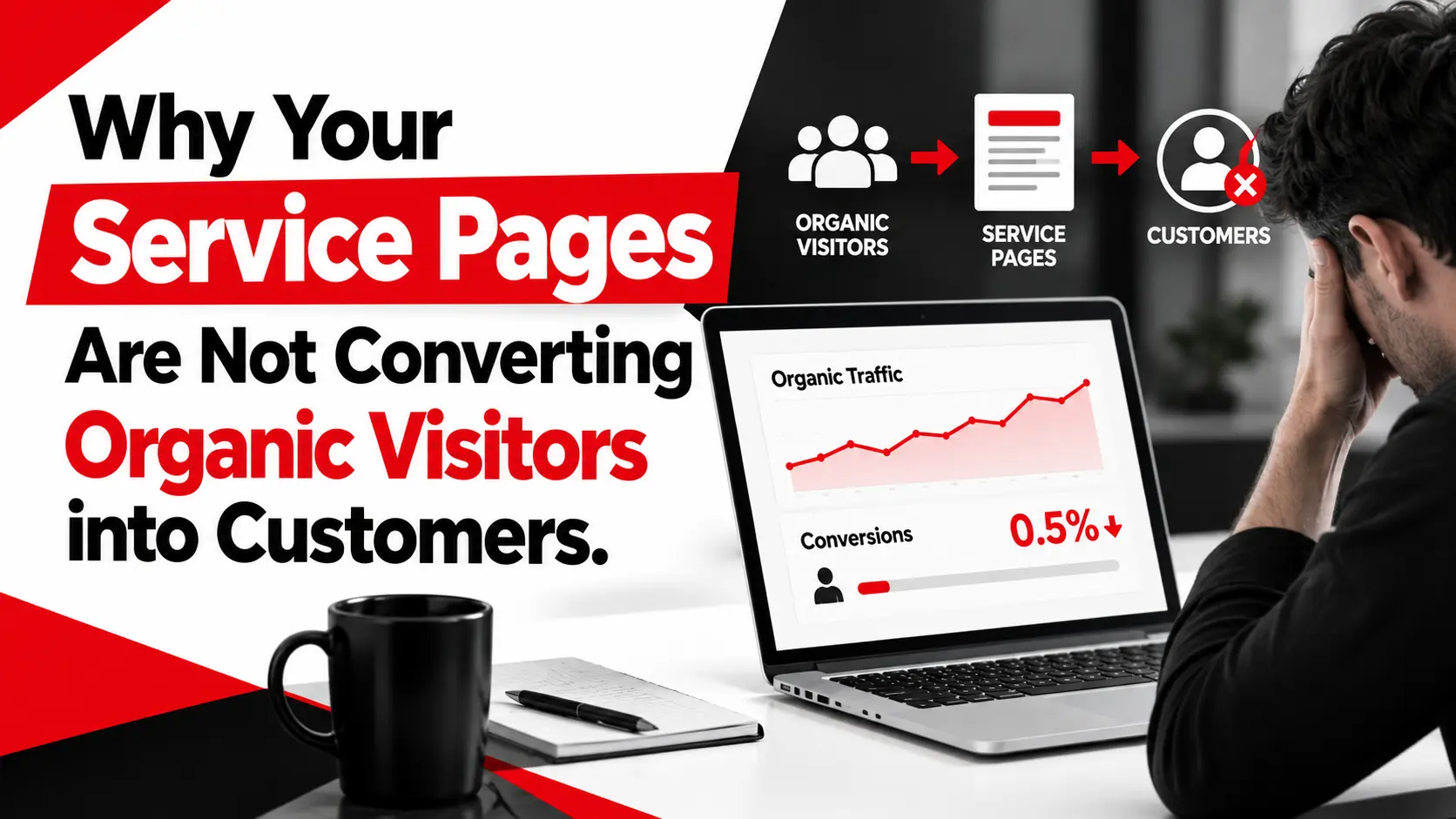
Audit the existing page. Clarify the conversion goal, sharpen the value proposition and CTA, trim the form, and set baselines for conversion rate, lead quality, and speed. For a small business, this phase alone may deliver the biggest gain. Reviewing on-page SEO elements helps here, and our article on why service pages fail to convert organic visitors covers common causes.
Phase 2: Introduce Core AI Features
Pick one or two use cases, such as AI-assisted headline testing and a shorter conditional form. Add safeguards: human review, input validation, and clear consent. Compare results with the existing page over a fair test period. Smaller teams can use existing tools and plugins, while teams with more resources may commission custom web development.
Phase 3: Scale and Optimise
Expand only features that show meaningful business value. Bring in CRM insights, review lead quality with sales, and keep testing. Retire anything that adds cost or complexity without improving outcomes. If earlier results support it, consider AI chatbot integration for lead qualification.
Conclusion: Build AI Landing Pages Around Real Business Outcomes
The strongest AI-powered landing pages are not the most complex. They combine relevant messaging, a clear offer, fast performance, visible trust, and measurement tied to business results. AI earns its place when it removes friction or improves relevance, and it should be removed when it does not.
If you would like to discuss landing page development, AI integration, digital marketing, or conversion optimisation, contact Ingenious HiTech to talk through your goals.