
A Manhattan consultancy receives a contact form submission at 6:40 p.m. on a Friday. The owner sees it on Monday, replies on Tuesday, and learns the prospect has already booked a call with someone else. The service was not weaker. The follow-up was slower.
Small teams lose inquiries this way every week: forms nobody checks, proposals nobody chases, reminders sent by hand, spreadsheets that fall out of date. Well-designed marketing automation for NYC small businesses closes those gaps. It makes sure every inquiry gets an acknowledgement, every prospect receives relevant information, and every team member knows the next step, while real conversations stay with real people.
This guide ranks seven workflows in a sensible order of implementation. For each one, you'll see what it depends on, how to measure it, and when you can skip it. You'll also find tool selection criteria, a 30-day plan, common mistakes, cost variables, and answers to frequent questions.
What Is Marketing Automation and Why Does It Matter for NYC Small Businesses?
Marketing automation uses software to carry out repeatable marketing and sales-support tasks based on rules you define. A form submission creates a CRM record (a customer relationship management system, which stores contacts and conversations). A booked appointment triggers a reminder. A proposal that goes unanswered for four days creates a task for a salesperson.
It is not the same as sending bulk emails, and it is not the same as adopting an AI tool. Automation works when it supports a process you already understand. If nobody knows who owns a new inquiry, software will only deliver it to the wrong place faster.
For NYC businesses, the value is practical. Competition for attention is high, customers expect quick replies, and small teams cannot watch inboxes all day. Automation helps manage inquiries, appointments, customer communication, follow-ups, and reporting consistently.
It also has limits. It cannot repair a weak offer, replace judgment on complex sales conversations, or compensate for inaccurate contact data. Think of it as a dependable assistant that handles routine steps, not a substitute for your team.
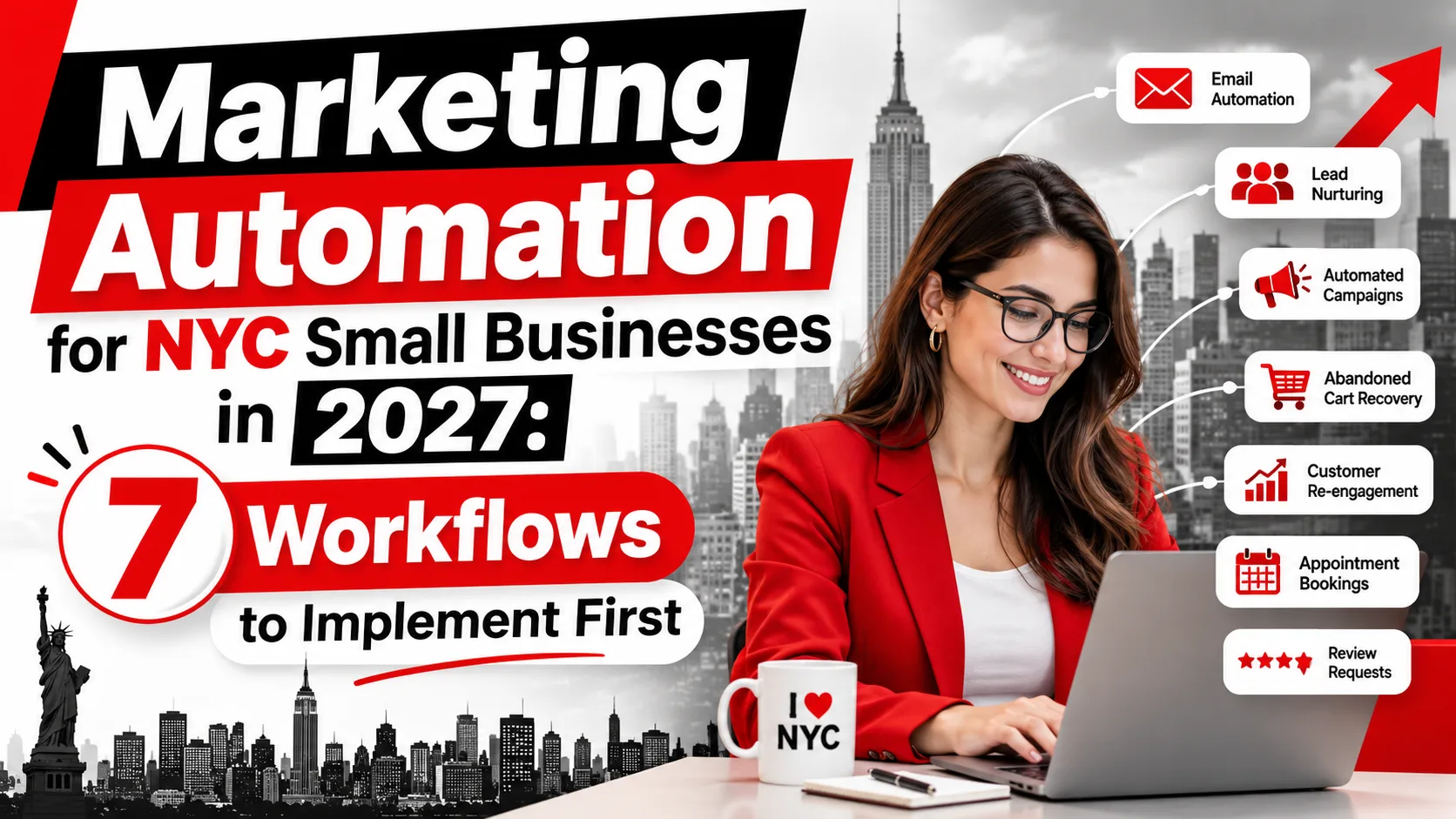
7 Marketing Automation Workflows NYC Small Businesses Should Implement First in 2027
Prioritise by business impact, setup complexity, customer needs, and the data you already have. The order below suits most service businesses, but your own bottlenecks should decide where you start.
1. Instant Lead Capture and Follow-Up Automation
Start here because every other workflow depends on it. When someone submits a website form, the system should send an acknowledgement, create a CRM record, assign an owner, and set a follow-up task. If nobody responds within a set window, say two business hours, it should alert a manager.
Example: A Queens home renovation company receives quote requests through its website. Automation tags each request by service type, assigns it to the right estimator, and sends a message confirming when the customer can expect a call.
KPIs: first response time, qualified inquiries, consultations booked, and lead-to-customer conversion rate.
Skip or delay it if you receive only a few inquiries a month and answer each within an hour.
2. Automated Email Welcome and Lead Nurturing
Not every prospect is ready to buy on day one. A short welcome sequence introduces your business, answers common questions, and points to useful resources. Segmentation, meaning grouping contacts by interest or industry, keeps the messages relevant.
Example: A Manhattan accounting consultancy sends new subscribers three emails over two weeks: a guide to quarterly tax planning, an explanation of its onboarding process, and an invitation to book an introductory call.
Measure: click-through rate, replies from qualified prospects, conversions, and unsubscribe rate.
Consent matters. The FTC's CAN-SPAM guidance states that the law covers all commercial email, with no exception for business-to-business messages. Use accurate sender details, include a valid physical postal address, and provide a clear opt-out that you honour promptly. This is general information, not legal advice.
3. Appointment Reminders and No-Show Follow-Up
Missed appointments waste staff time. Automated confirmations, reminders, and rescheduling links reduce manual administration, and calendar integration prevents double booking. After a no-show, a polite message with a link to rebook keeps the relationship intact.
Keep the tone personal. A reminder that sounds like it came from a person, with a real phone number for changes, serves customers better than a cold system notice. Let staff handle sensitive cases, such as a client who has missed twice.
KPIs: attendance rate, cancellations, and rescheduled appointments.
Less urgent if you rarely book appointments or already have a low no-show rate.
4. Automated Quote and Proposal Follow-Up
Proposals often stall because nobody remembers to follow up. Track each proposal as a CRM stage, schedule reminders after set intervals, and create a task for the owner. The sequence must stop the moment a prospect replies, accepts, or declines. Nothing damages credibility like a "just checking in" message sent after the client said no.
Example: A Brooklyn web development agency sends a proposal, then schedules a reminder on day three and a task for a phone call on day seven. A reply from the client pauses everything.
Measure: proposal response rate, proposal-to-sale conversion, and average time to close.
5. Customer Review and Feedback Requests
After a completed service or purchase, send a neutral request for honest feedback. Wait long enough for the customer to have experienced the result, often a few days, and send at most one reminder.
Ask every eligible customer, not only those you expect to be happy. Do not offer rewards for positive reviews, and do not create fake ones. Each review platform publishes its own policies, so read them before building the workflow.
Route private feedback to a person who can resolve complaints quickly. Monitor responses weekly, since a complaint that sits for days defeats the purpose.
6. Customer Reactivation and Repeat-Business Campaigns
Past customers are often easier to win back than strangers are to win over. Identify eligible contacts, such as those with no purchase in twelve months, and send something genuinely useful: a service reminder, a seasonal update, or a relevant offer.
Example: A Bronx commercial cleaning company contacts clients whose contracts lapsed six months ago, offering a free site walkthrough.
Set rules before launching. Segment by past service, confirm consent, limit contact frequency, and suppress anyone who has opted out or recently purchased. Track reactivation rate, repeat-purchase rate, and revenue from returning customers.
7. Automated Marketing Reports and Lead-Quality Alerts
Once the earlier workflows run, connect your available data sources: website analytics, advertising reports, CRM stages, and conversion data. Automated weekly summaries save hours, and alerts can warn you when a form breaks or inquiry volume drops sharply.
Accurate tracking is the foundation. Review Google's official analytics documentation when configuring conversion events, and test them regularly.
Separate three numbers: total inquiries, qualified leads, and actual customers. A campaign producing many inquiries but few customers is not working, whatever the dashboard says. Useful metrics include cost per qualified lead, conversion rate, response time, and attributable revenue.
How to Choose the Right Marketing Automation Tools
No platform suits every small business, so evaluate tools against your process rather than a feature checklist. Categories to review include CRM systems, email platforms, scheduling software, integration tools that connect separate systems, and analytics solutions.
Compare them on:
- Ease of use: Will your team actually use it?
- Total cost: subscription, contact limits, add-ons, setup, and training.
- Compatibility: Does it connect with your website, calendar, and accounting tools?
- Data portability: Can you export your contacts and history if you leave?
- Security and consent management: Does it record opt-ins and handle opt-outs properly?
- Reporting: Can you see outcomes, not just activity?
Test with a trial and one real workflow before committing. If your existing software already handles your first workflow, you may not need anything new.
How to Implement Marketing Automation in 30 Days
This plan assumes one workflow and fairly simple systems.
Complex integrations can take longer.
- Days 1–7: Audit. Map how inquiries currently arrive and where they stall. Pick one priority. Measure your baseline, such as current response time.
- Days 8–14: Build. Configure the automation, connect the required systems, and write the messages. Assign a named owner for every step.
- Days 15–21: Test. Submit test inquiries. Check duplicate contacts, unsubscribe handling, exceptions, and staff escalation. Fix what breaks.
- Days 22–30: Review. Compare results with your baseline. Look at response time, completed tasks, and early conversions. Decide whether to refine, expand, or stop. Thirty days produces early signals, not final proof.
Common Marketing Automation Mistakes to Avoid
- Automating a broken process: Fix the process on paper first.
- Buying too many tools: Start with one workflow and the software you have.
- Sending generic messages: Segment contacts and write for a specific situation.
- Neglecting consent: Record opt-ins, honour opt-outs, and review the FTC guidance.
- Removing human follow-up: Automate routine steps, and let people handle questions, pricing, and complaints.
- Using inaccurate data: Clean duplicates and standardise fields before building.
- Measuring activity instead of outcomes: Emails sent matter less than appointments kept and customers won.
How Much Does Marketing Automation Cost for a Small Business in NYC?
There is no reliable single price, and quoting an NYC average without a verifiable source would be misleading.
Costs depend on:
- software subscriptions and contact limits
- CRM setup and data cleanup
- integrations between systems
- workflow complexity
- staff training
- ongoing maintenance and reporting
Configuring software you already own is a very different project from connecting several systems with custom logic. Ask any provider for a written scope that separates one-time setup from monthly costs, and check current pricing on each vendor's official site.
Frequently Asked Questions About Marketing Automation for NYC Small Businesses
What is marketing automation for NYC small businesses?
It is the use of software to handle repeatable tasks such as lead follow-up, email sequences, reminders, and reporting. It helps small teams respond consistently while freeing time for conversations that need human judgment.
Which marketing automation workflow should a small business implement first?
Most should begin with lead capture and follow-up, because slow responses lose inquiries. If you already respond quickly, start with whichever process creates the most manual work or the most missed opportunities.
Is marketing automation affordable for small businesses?
It can be, especially if you start with one workflow using affordable or existing software. Costs rise with integrations, contact volume, and customisation, so define a narrow scope first and review pricing directly with vendors.
Can marketing automation help NYC businesses generate more leads?
It mainly helps you convert and keep the inquiries you already receive through faster replies and consistent follow-up. It does not guarantee new leads, though better tracking can show which channels deserve more investment.
Do small businesses need a CRM to automate marketing?
Not always. Simple email or reminder automations can run without one. But once you track inquiries, proposals, and follow-ups, a CRM gives you a single record and makes reliable reporting much easier.
How long does it take to set up marketing automation?
You can often build and test a single, straightforward workflow within a few weeks. Multi-system integrations, data migration, or custom reporting usually take longer, so set expectations by scope rather than a fixed date.
Can AI improve marketing automation in 2027?
AI can help draft messages, summarise inquiries, or suggest lead priorities. It still needs clear processes, accurate data, and human review, particularly for customer-facing content and decisions that affect people.
Build a Smarter Marketing System for Your NYC Business
The most effective approach to marketing automation for NYC small businesses is modest: choose one high-impact workflow, build it carefully, measure the results, and expand only when the data supports it.
If you would like support, Ingenious HiTech offers digital marketing, email marketing, web development, and AI chatbot integration services that can support lead capture, follow-up, and reporting.
To talk through your requirements or request an initial assessment, contact the team. There is no obligation, and the first conversation is simply about what would help your business most.