
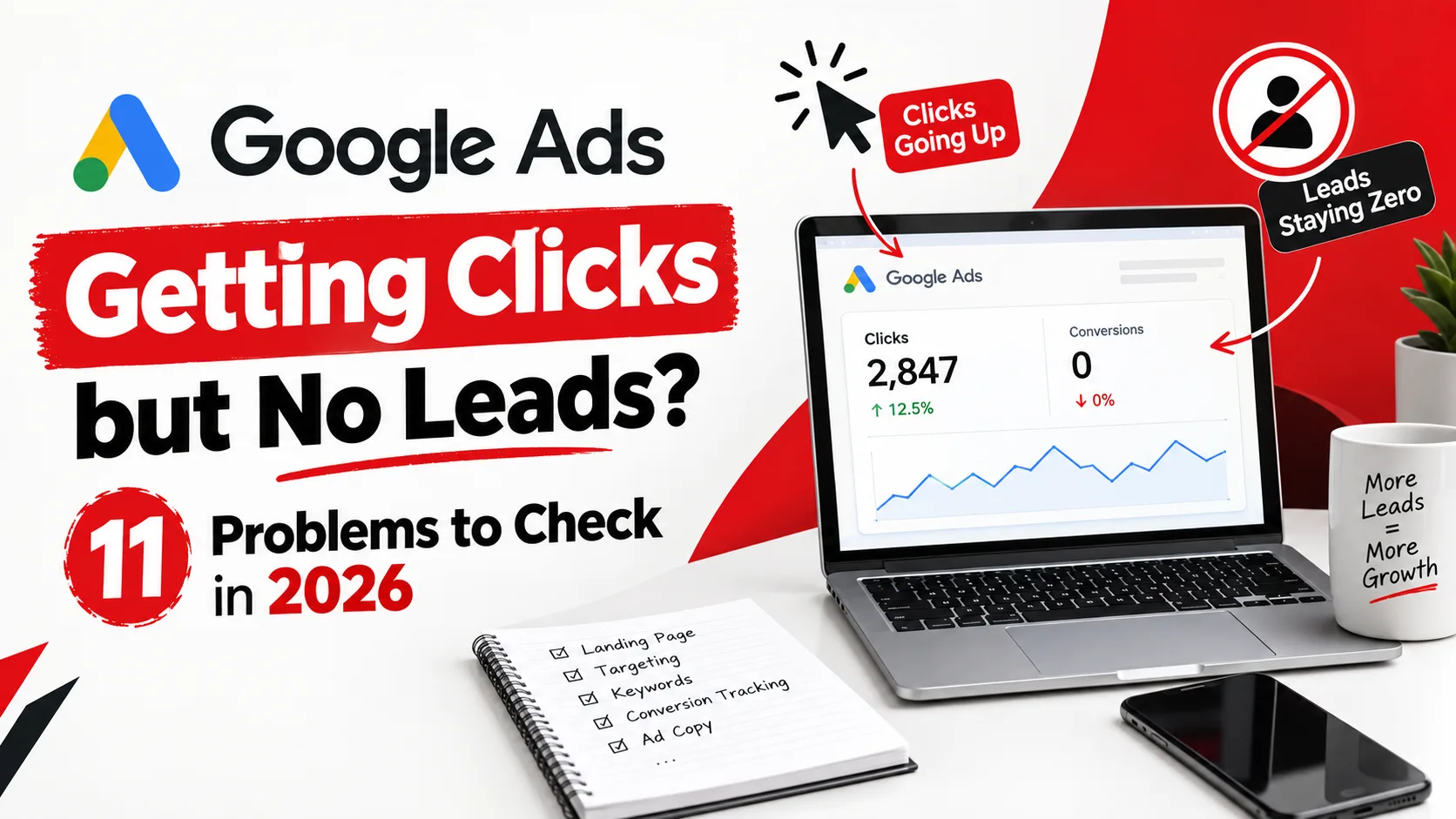
A local HVAC company launches a new Google Ads campaign in January. By March, the numbers look promising: thousands of impressions, a healthy click-through rate, and clicks landing on the website every day. The budget is being spent exactly as planned. Yet the phone barely rings, and the contact form sits empty for days at a time.
This is one of the most common and frustrating situations in paid search. Google Ads getting clicks but no leads doesn't necessarily mean the campaign is broken. It usually means something in the journey between the click and the conversion isn't working.
A click only proves someone interacted with an ad. A lead means that person took a meaningful next step: calling, filling a form, or booking an appointment. Between those two moments sits a chain of decisions: keyword, ad, click, landing page, offer, conversion, tracking, and follow-up. A weak link anywhere in that chain can quietly drain a budget.
Why Can Google Ads Get Clicks Without Generating Leads?
Clicks are easy to celebrate and easy to misread. A campaign can hit its click targets while still failing the business, because a click only measures interest at one moment, not whether it was ever converted.
There are generally four places a promising click stops turning into a lead: the wrong search intent, a weak ad-to-landing-page match, an unconvincing offer, or a conversion that happened but was never recorded.
Instead of reacting to a slow lead flow by raising the daily budget, think diagnostically about where prospects are dropping out:
- High clicks with irrelevant traffic usually point to a targeting problem.
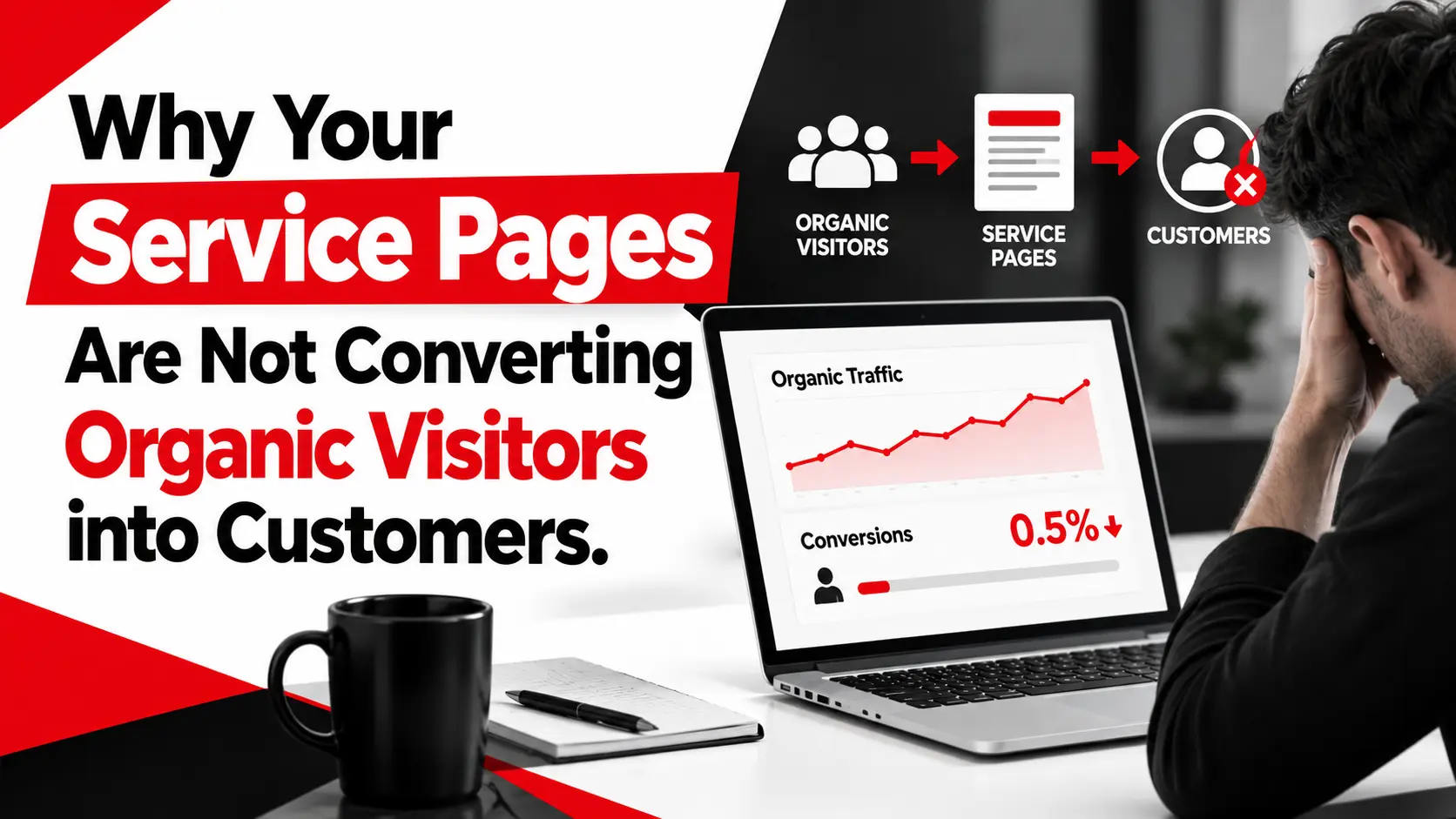
- Relevant clicks with poor engagement usually point to a landing-page problem.
- Strong engagement with few enquiries usually points to an offer, CTA, or conversion-friction problem.
- Real enquiries with zero reported conversions usually point to a tracking problem.
- Plenty of leads but poor lead quality usually points to a targeting or qualification problem.
The rest of this article walks through where to look for each of these.
11 Problems to Check When Google Ads Gets Clicks but No Leads
1. Your Keywords Are Attracting the Wrong Search Intent
Not every click carries buying intent. Someone searching "how does a tankless water heater work" is researching; someone searching "tankless water heater installation near me" is ready to hire. Broad match keywords often mix both under one campaign.
The Search Terms report shows the actual queries triggering an ad, not just the keywords bid on. It's common to find informational or DIY questions mixed in with genuine buyers. Tightening match types, adding commercial-intent long-tail keywords, and building a negative keyword list from that report usually improves traffic quality fastest.
2. Your Ad Promise Does Not Match the Landing Page
An ad promising "24/7 Emergency Plumbing Services" that sends visitors to a generic plumbing homepage creates a gap between expectation and reality that many visitors won't bother closing themselves.
This is called message match. The ad's headline, the landing page's headline, the service, the location, and the CTA should feel like the same conversation continuing, not a redirect elsewhere. When they tell two different stories, visitors lose confidence quickly, and that hesitation shows up as clicks without leads.
3. You Are Sending Paid Traffic to Your Homepage
A homepage serves everyone: new visitors, returning customers, and job seekers at once. That breadth helps organic browsing but works against paid traffic, which arrives already looking for one specific thing.
Someone who clicked an ad for "same-day AC repair" doesn't want to hunt through a menu to find that service. A dedicated landing page built around that exact offer, with a clear headline and one next step, keeps the visitor focused. For businesses running several campaigns, a separate page per offer usually outperforms one general page for everyone.
4. Your Landing Page Has Too Many Distractions
A landing page built for paid traffic has one job: help the visitor take one specific action. Full site navigation, competing CTAs, pop-ups, and long unrelated text give the visitor more ways to leave before converting. Within a few seconds, a visitor should be able to tell what's being offered, who it's for, and what to do next; if that takes scrolling and searching, attention drifts, and the page loses a visitor that was already paid for.
5. Your CTA Is Weak or Difficult to Find
A CTA like "Submit" tells a visitor almost nothing about what happens next. Alternatives such as Get a Free Consultation, Request a Quote, or Book an Appointment set a clearer expectation. There's no CTA that universally performs best; it depends on the offer and audience, but it should be visible without scrolling and repeated at logical points, rather than buried once at the bottom.
6. Your Lead Form Is Asking for Too Much
Every extra form field is another reason to abandon. A visitor willing to request a quote might not be willing to share budget or company size before even speaking to someone. Review the form for fields that aren't strictly necessary yet, test it on a phone, and check that error messages and confirmation screens are clear; an unclear one leaves visitors unsure their enquiry went through, and many won't try again.
7. Your Website Is Slow or Poorly Optimised for Mobile
Paid traffic is traffic a business already paid for, which makes performance problems more costly than for organic visitors. Slow-loading pages, buttons that are hard to tap, and forms that misbehave on mobile create friction at the exact moment someone decides whether to act. Google's Core Web Vitals loading speed, interactivity, and visual stability are a useful starting point for spotting these issues. Page experience can influence visitor behaviour, but that's separate from how it affects Google Ads performance itself.
8. Your Landing Page Does Not Build Enough Trust
Someone who has never worked with a business before needs a reason to believe it can deliver. Genuine reviews, real testimonials, relevant certifications, and a transparent service description all help close that gap, and none of it needs to be elaborate. A page with a phone number, a real service area, a few honest reviews, and clear information about what happens next often builds more trust than a page full of vague claims. Skipping these details leaves visitors without a reason to choose this business over the next search result.
9. Your Conversion Tracking Is Broken or Incomplete
This is one of the most overlooked reasons a campaign looks like it's underperforming when it isn't. A business can be receiving real phone calls, form submissions, and bookings while Google Ads reports almost none of them, simply because tracking wasn't fully set up.
Google Ads can track several conversion actions: website conversions like form submissions, phone call conversions from ad extensions and website numbers, and imported offline conversions from a CRM. If only the contact form is configured, every call and booked appointment goes uncounted.
The fix isn't guessing; it's walking through the actual conversion journey, submitting a test form and calling the tracked number, and comparing that against what Google Ads reports. Google's own conversion tracking documentation is the most reliable reference here.
10. You Are Not Using Website Data and Google Search Console Together
Google Search Console is often mistaken for a Google Ads tool. It isn't. It reports on organic search performance the queries, pages, and impressions tied to unpaid results and doesn't report paid-search conversions or ad spend. What it does provide is context Google Ads can't: the exact language people use to find a business organically, and where the website has gaps against real search demand. Google Ads shows paid-search behaviour; Search Console shows organic-search behaviour. Looking at both together often reveals mismatches between the keywords a campaign bids on and the language customers actually use.
11. You Are Measuring Clicks Instead of Business Outcomes
Impressions, clicks, and click-through rate describe how an ad performed. They don't describe whether the business benefited. Conversion rate, cost per lead, lead quality, and how many leads became paying customers tell a more complete story. A campaign producing fewer, more qualified leads can be more valuable than one producing a high volume of low-intent enquiries, even if the second looks stronger on the surface. Cost per lead without lead quality can be just as misleading as conversion volume without a close rate.
A Simple Google Ads Troubleshooting Checklist
When leads are low, work through the funnel systematically rather than changing several things at once.
- Step 1: Search terms. Are the queries triggering ads relevant to the business?
- Step 2: Ads. Does the copy accurately represent the offer, service, and location?
- Step 3: Landing page. Does it match the search intent and the promise in the ad?
- Step 4: Conversion path. Can a visitor easily call, submit a form, or book?
- Step 5: Mobile. Complete the journey, click to conversion, on a smartphone.
- Step 6: Conversion tracking. Confirm real actions are recorded accurately.
- Step 7: Data sources. Compare Google Ads, analytics, or CRM records, and Search Console together.
- Step 8: One variable at a time. Changing several things at once makes it nearly impossible to know what fixed or broke performance.
When Should You Fix the Landing Page vs. the Google Ads Campaign?
The right fix depends on where prospects are dropping out, and it's rarely just one thing.
- Irrelevant clicks: Look at targeting and the search terms report.
- Relevant clicks, weak engagement: Look at landing-page relevance and page experience.
- Strong engagement: few conversions: Look at the offer, the CTA, and conversion friction.
- Real leads: no reported conversions: Look at conversion tracking.
- Plenty of leads: poor-quality prospects: Look at targeting, qualification, and follow-up speed.
More than one of these often happens at once: e.g., a mild targeting issue combined with a slow-loading mobile page. Diagnosing each layer separately leads to a more accurate fix.
How SEO Marketing Can Support Your Google Ads Strategy
Google Ads and SEO marketing operate differently, but the data from one can sharpen the other. Paid search produces results fast within days; a business can see which keywords, headlines, and offers get a response, whereas organic search takes much longer to produce.
SEO marketing, in turn, builds visibility that doesn't disappear the moment ad spend stops, and the organic search queries that bring people to a site often reveal the exact language customers use to describe a problem language that can sharpen ad copy and landing pages.
Used together, paid campaigns test messaging quickly, organic data reveals recurring demand, and both feed back into a stronger overall approach to customer acquisition.
How Ingenious Hi-Tech Can Help Fix the Full Lead-Generation Funnel
When clicks aren't turning into leads, the advertising campaign is often only part of the picture. A thorough review usually needs to look at the whole path a prospect takes: targeting, the Google Ads campaign, the landing pages, how SEO marketing supports paid efforts, whether conversion tracking is capturing what's happening, and how performance is monitored over time.
Ingenious Hi-Tech works with U.S. businesses across this funnel, from PPC strategy and landing page design to SEO marketing and conversion tracking. If a campaign is generating clicks but not enough qualified enquiries, it's worth reviewing the full journey, not just the ad account.
Frequently Asked Questions
Why are my Google Ads getting clicks but no leads?
Usually because something between the click and the conversion isn't working: weak traffic intent, a landing page that doesn't match the ad, an unconvincing offer or CTA, or tracking that isn't capturing real enquiries. It's rarely just one cause.
How many clicks should I get before expecting a lead?
There's no universal number. It depends on the industry, offer, location, competition, and how well the landing page converts. A local, high-intent search typically converts differently than a broad, national one.
Should I change my Google Ads campaign or landing page first?
Check whether the traffic is relevant first. If search terms reflect genuine buying intent, the landing page or conversion path is more likely the issue. If traffic is broad or off-target, the campaign and keywords need attention first.
Can Google Search Console help improve Google Ads?
Indirectly. It reports on organic performance, not paid campaigns, but its query data can reveal customer language useful for refining ad copy and landing pages.
Can SEO marketing reduce dependence on paid advertising?
They generally serve different roles: paid ads produce faster results, while SEO marketing builds visibility that compounds over time. Many businesses use both together.
How can I check whether my Google Ads conversion tracking works?
Submit a test form and call the tracked phone number, then confirm each appears as the correct conversion in Google Ads; this is more reliable than assuming tracking is correct because it was set up once.
Conclusion
Clicks are only the beginning of the customer journey, not proof a campaign is working. When Google Ads is getting clicks but no leads, the better question isn't "how do we get more clicks"; it's "where are prospects dropping out?" That usually comes down to four areas: targeting, the landing page, the conversion experience, and tracking.
Raising the ad budget rarely fixes a problem it didn't cause. A more reliable path is working through each stage systematically first. If that feels like more than there's time for internally, Ingenious Hi-Tech can help review where paid traffic is being lost.